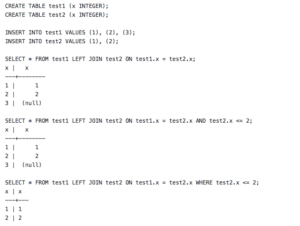
This example shows how to load a script into SQL*Plus for the current session and execute it:
- Go into PM Options → Associations
- Remove SQL as an extension for SQL Editor (or anywhere else it may be)
- Click Add
- Title: SQL Plus
- Program: C:\oracle\ora92\bin\sqlplusw.exe
- Working Dir: C:\oracle\ora92\bin
- Parameters: $UID/$UPW@$SID @$FIL
- Extension: SQL
- Click OK. The first Parameter block indicates a connect string for current TOAD session. The $FIL macro does a substitution for the underlying file. The @ is required by SQL*Plus to indicate script execution.
- Now add a Folder Item & browse to find a sample SQL script to execute. It will be added, and take on the SQL*Plus Icon.
- You can now double-click the item or right-click Load, and it will start up SQL*Plus for the current TOAD connection and execute the script.