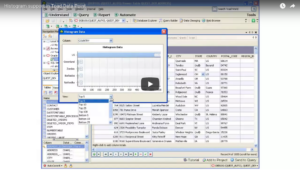
Learn how to use the histogram tool included with Toad Data Point.
Related Articles
Toad Data Point Automation Series Blog #14 – For each row Do….(Loop...
As shown in other videos, variables can be very useful in automation. In this video let’s discuss how to use variables with the LoopDataset activity. This activity allows you to take a result set and ...
Overview of key DBA features in Toad for DB2 zOS Part VI
This video on executing z/OS utilities is part six of an overview of key DBA features in Toad for DB2 z/OS....
How do I use the command line options to make Toad do something every...
You can use the Automation Designer in Toad to schedule many, many tasks within Toad. Please see the online Help within the tool, and there is a video describing the process here: For any of the w...