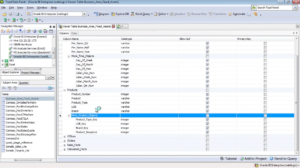
This video gives users an overview on the pivot grid in Toad Data Point. The pivot grid allows users to summarize their data and gain insight. The video discusses the many ways users can get to and use the pivot grid, shows how the underlying data can be manipulated, how layout can be changed and discusses toolbar options.
Related Articles
Performance Monitor in SQL Optimizer for SAP ASE
In this SQL Optimizer for SAP ASE video, we demonstrate how to monitor the performance of your SAP ASE server....
How to map a Salesforce instance to Toad Intelligence Central server
Learn how to map a SalesForce instance to Toad Intelligence Central. This video covers Single Sign On....
Data preparation using Toad Data Point – 3
In three articles we are exploring data preparation using Toad Data Point. In the first article we created a data source as a MySQL database table. The data we stored had some shortcomings such as ext...